


One of the most common questions in retail projects is:
how long will it take?
And very often the answer is:
👉 it depends
But not because it’s unclear.
It’s because POS production is a process made of several stages that directly impact timing.
What affects POS display production time
Production time is not a single number.
It depends on:
- structural complexity
- quantity (prototype vs rollout)
- material availability
- level of project readiness
- number of iterations and changes
Real POS production timeline
Stage 1: Concept and design refinement
⏱ 3–10 days
This is where the design is adapted for real production.
- First optimizations happen here
- And decisions that impact cost and timing
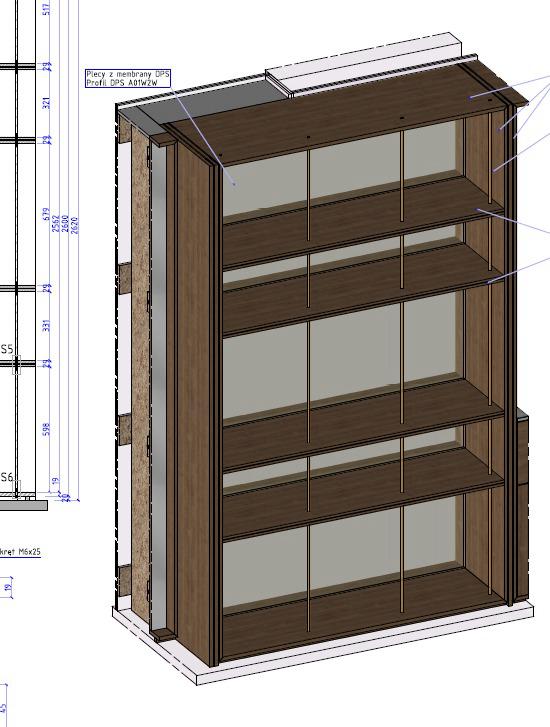
Stage 2: Prototype
⏱ 1–3 weeks
Creating the first unit allows you to test:
- structural stability
- material quality
- assembly process
This stage prevents problems later.
Stage 3: Production
⏱ 2–6 weeks
Timing depends mainly on scale:
- small batches → faster
- rollouts → require planning and coordination
This is where the project becomes a physical product.
Stage 4: Logistics and transport
⏱ 3–10 days
Often underestimated.
Transport can be simple…
or complex in multi-location rollouts.
Stage 5: Installation
⏱ 1 day – several weeks
Depends on:
- number of locations
- complexity
- store readiness
How long does POS production take – summary
- Simple project: 3–5 weeks
- Standard project: 5–8 weeks
- Large rollout: 8–12+ weeks
What usually delays POS projects
- late-stage changes
- incomplete design
- complex structures
- lack of logistics optimization
- complex structures
Experience from production
In one project, the client expected a very short timeline.
The issue appeared at the prototype stage – the structure required changes that were not visible earlier.
After optimization:
- the structure was simplified
- production cost was reduced
- rollout delays were avoided
How to speed up POS production
- involve production thinking early
- limit changes after approval
- design for transport and installation
- simplify structure
- collaborate with a POS manufacturer from the start
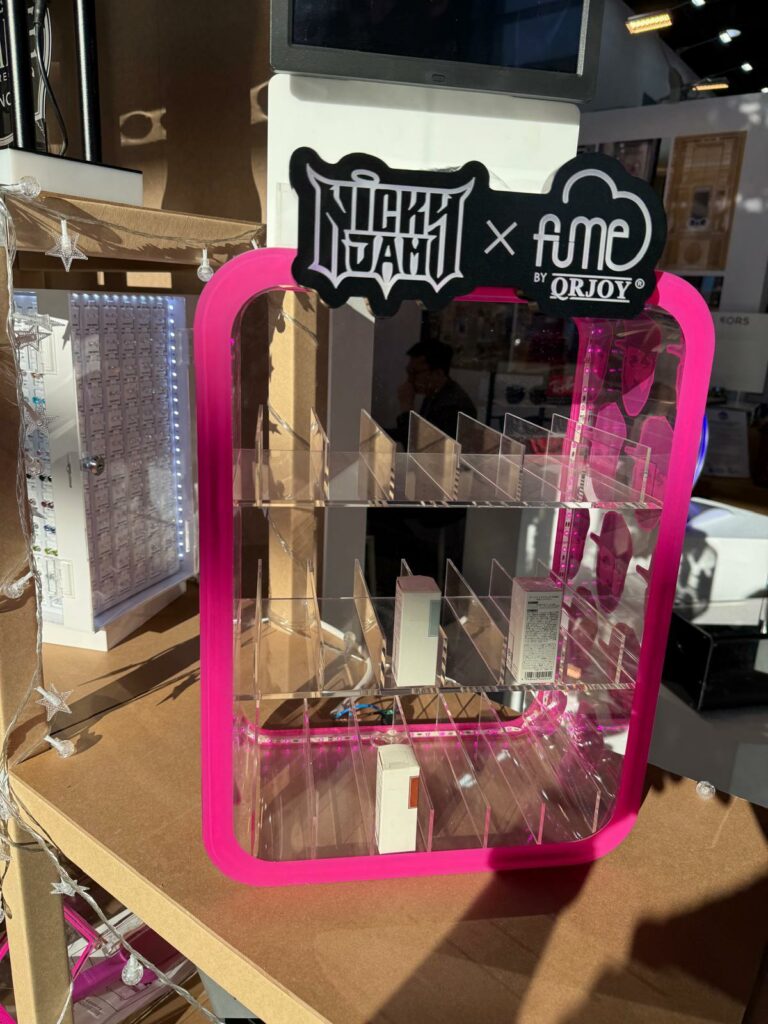
Why POS works in retail
At the end, everything comes down to:
- does it attract attention
- does it present the product clearly
- does it make the customer stop
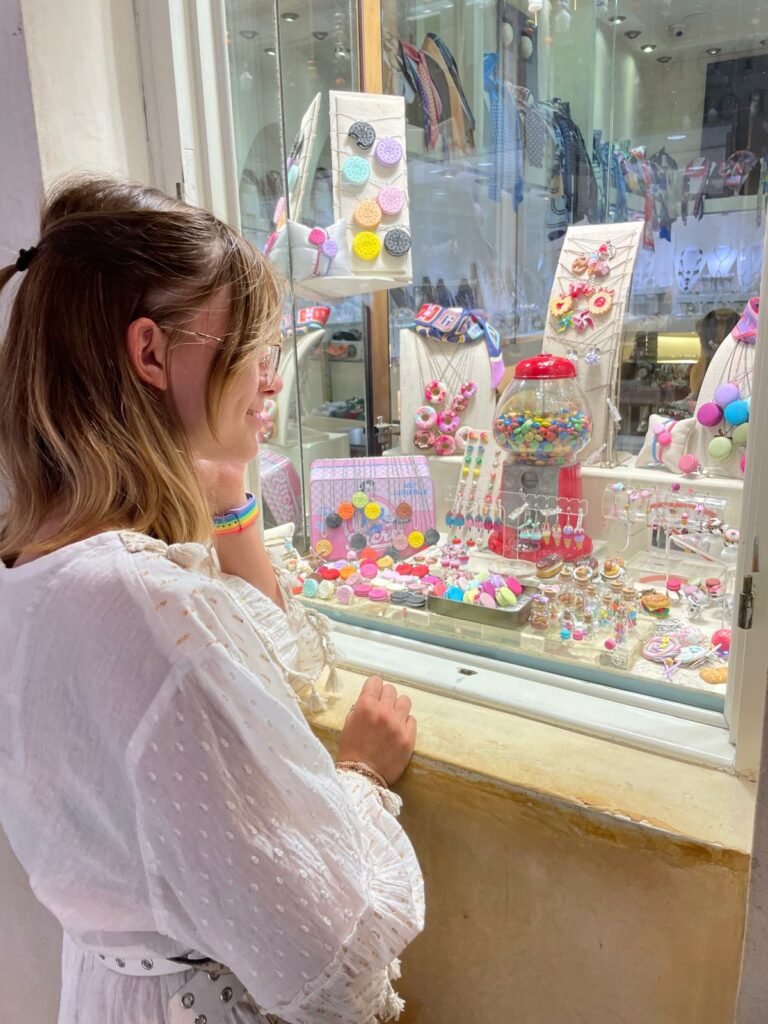
If you are working on a POS project with a specific deadline, it’s worth verifying the real timeline before production starts.
At UC POS, we design and produce POS displays and retail installations, helping brands and agencies deliver projects on time, within budget, and ready for real retail conditions.